
Adding Custom Code
This support article shows you where you can implement custom CSS and JavaScript in Justuno.
At a glance:
Last updated: 09/23/2024
Introduction
For developers and experienced users, custom CSS and JavaScript code can be applied to your Justuno designs and website using the custom code module located in the Justuno design studio. The instructions below will show you where to access this.
Keep in mind, this will only run once when the design is first loaded. However, if you define functions in this section, the functions will be available to be called from any of the other JS methods.
- Via the custom code section of a design
Custom code input here will be applied across all frames in the design unless indicated using a custom code block (e.g. <div id="xyz"></div> <script> ... target #xyz and do 123 </script>).
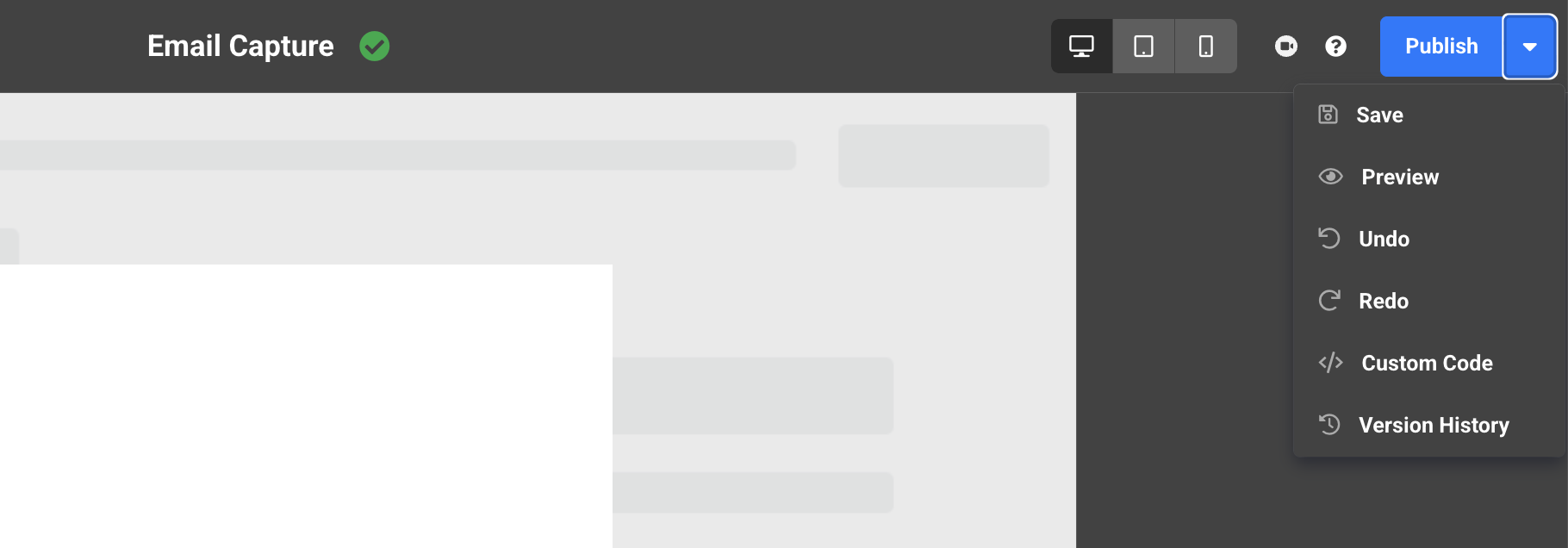
This specific custom code area (located in the top right, within the Save/Publish button) will not update to any previously entered code when reverting to an older published design.
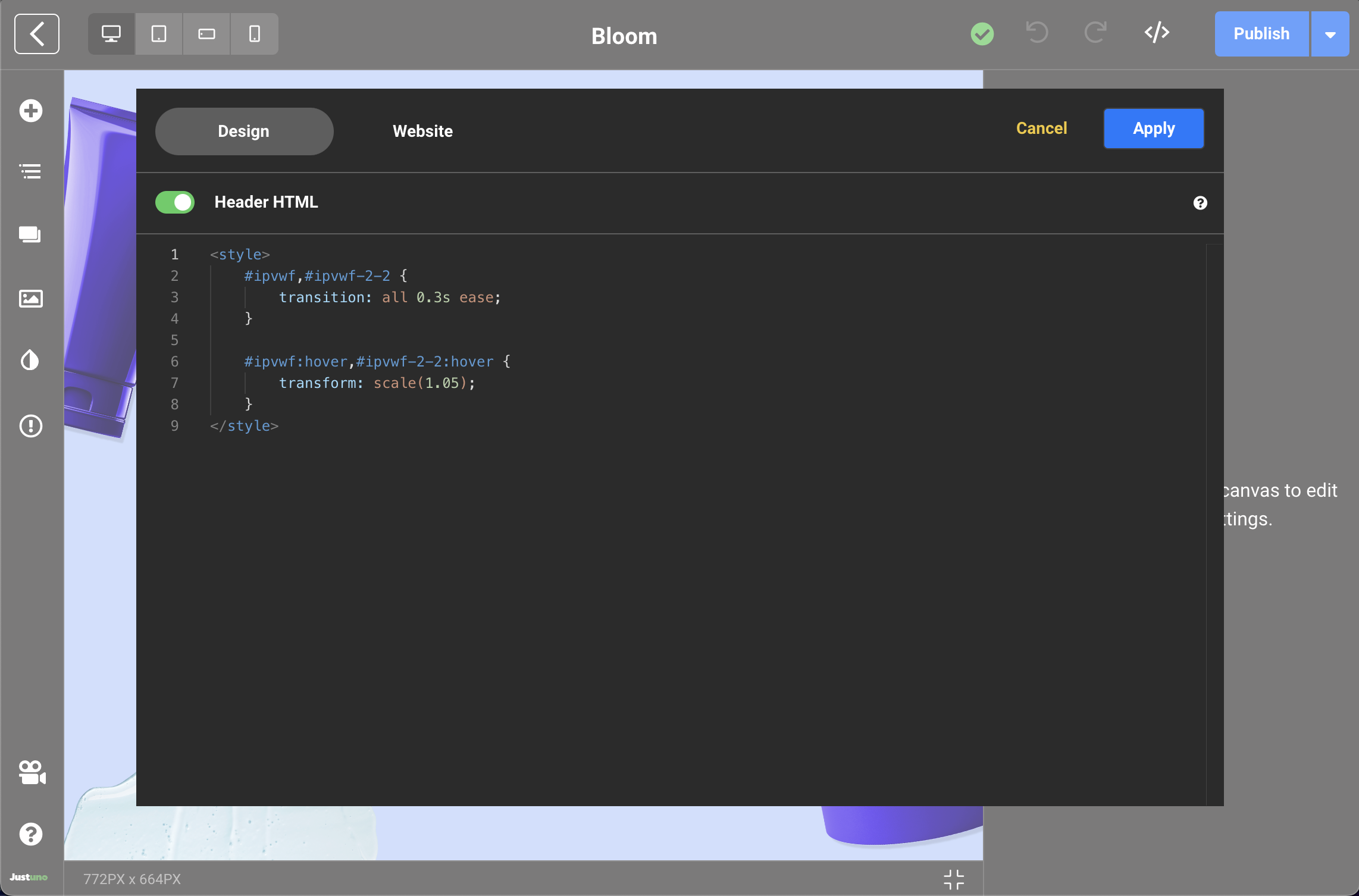
You may also use the Header HTML toggle to add your code to the tag of your design.
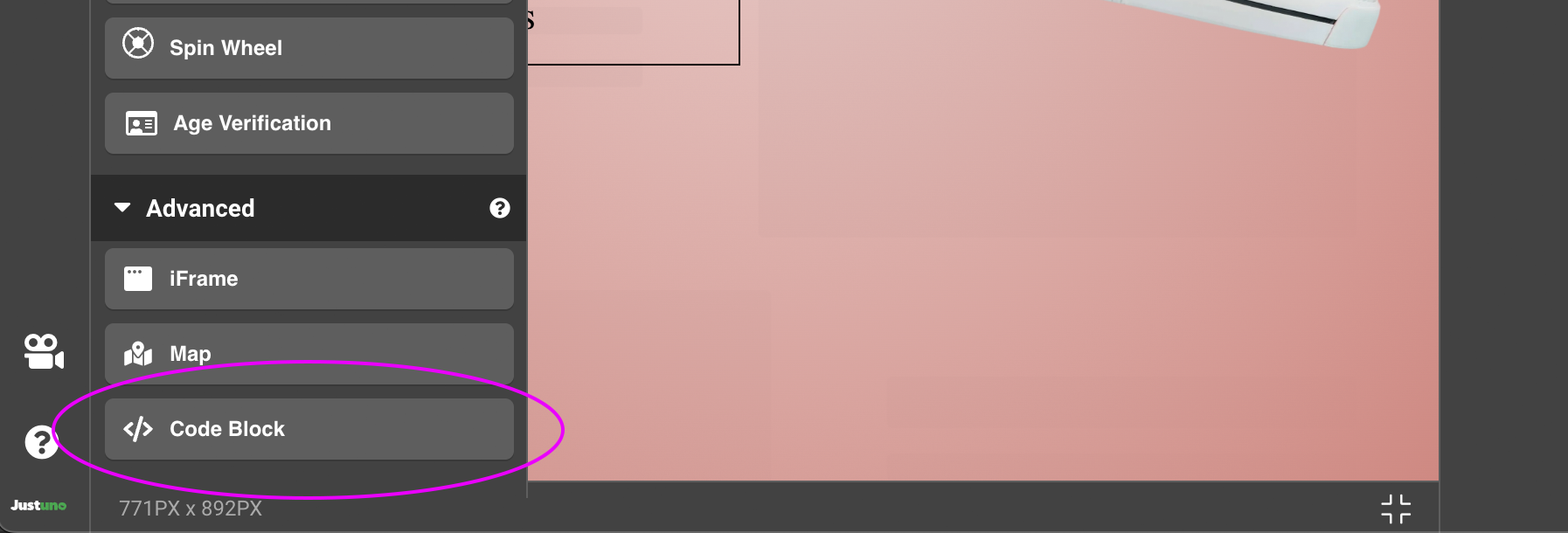
- Via the custom code block
This code will execute on load of the frame it's added to.
- Via the JavaScript click action
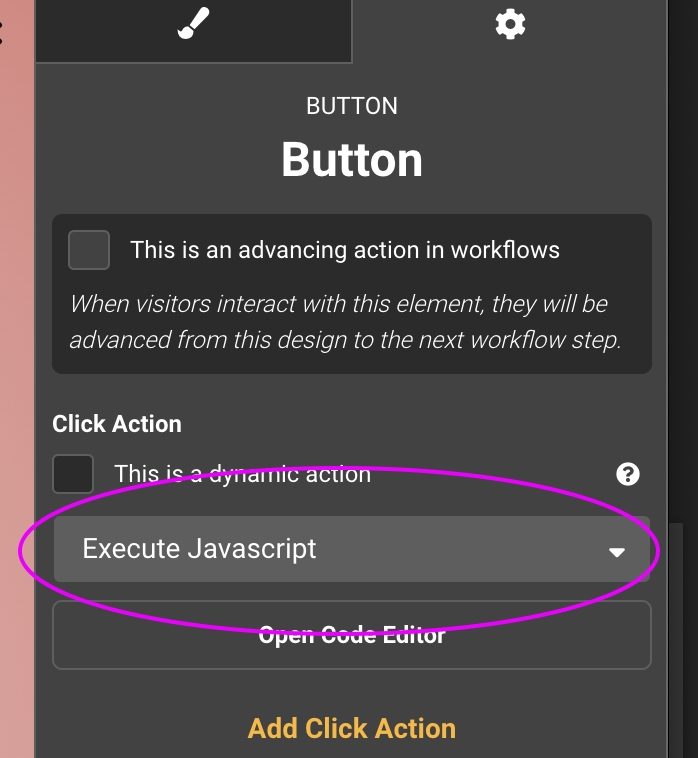
This code will run when you click the element you assigned this click action to.
Javascript to run click actions
// here's an example of a close design click action
executeActions([
{
    "type": "close-design",
}
]);
// here's an example of a swtich to next frame action
executeActions([
{
"type":"frame","target":"_blank","url":"","frame":"","data":{"id":"next-frame","title":"Next Frame"}
}
]);
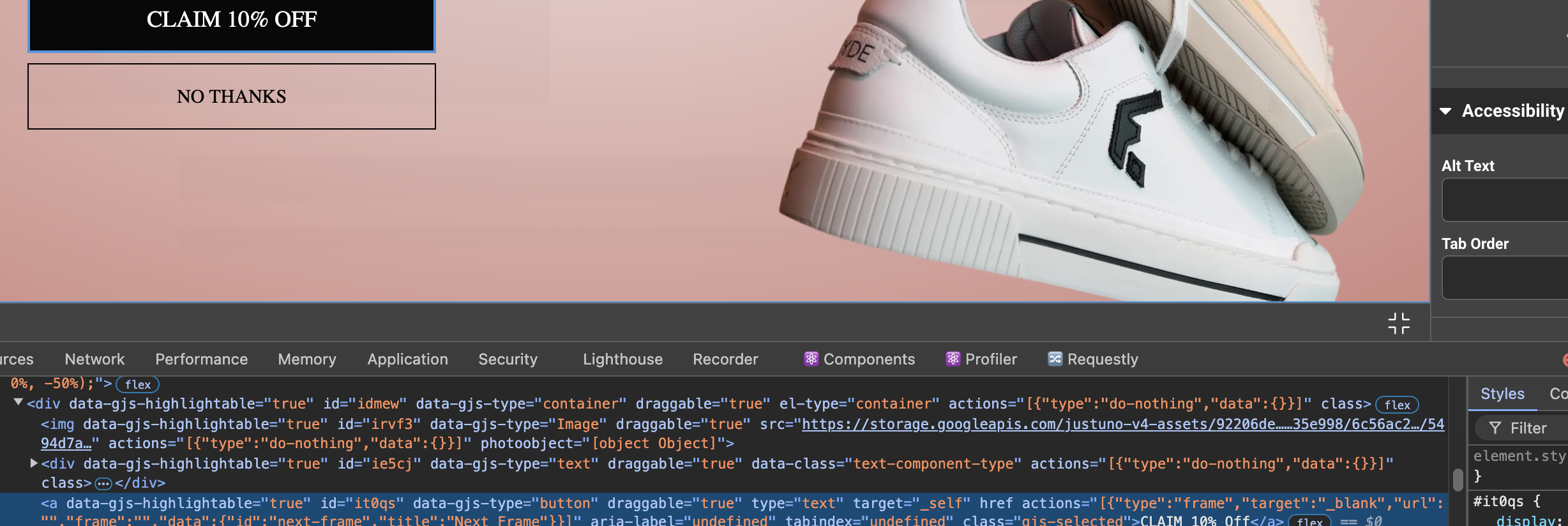
You can find any combination of click action code to use by adding the click actions to a button and then opening your inspector and looking at the actions atttribute on the button. Just copy the array for use in this executeActions function.
JavaScript to run validation
If you need to validate form fields in a frame without submitting the form, you can do so with the following JavaScript
executeActions([{
    "type": "validate-form",
}]);
Custom code input here will be applied across all frames in the design unless indicated using a custom code block (e.g. <div id="xyz"></div> <script> ... target #xyz and do 123 </script>).