
Push event data to Google Analytics (GA4) or Google Tag Manager (GTM)
This Justuno support article will cover the Google Analytics & Google Tag Manager app integration.
At a glance:
Google Analytics App Settings
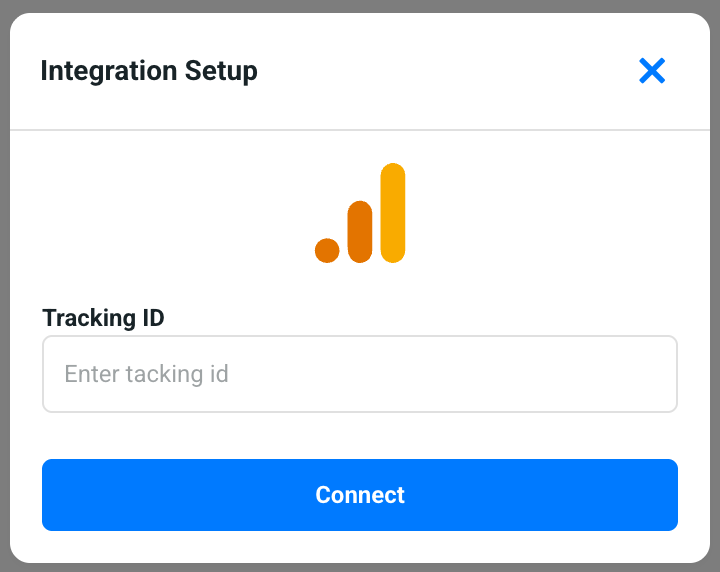
From within your https://portal.justuno.com account, navigate to account settings (top right) > apps and then search for the google analytics app. Copy your GA4 property tracking ID into the Tracking ID settings field as shown here and click connect. That's all, your account is now connected and will begin pushing new events into your GA4 account.
You generally shouldn't use both our GA and our GTM apps because you may double up the Justuno events being pushed into your Google analytics as a result since the GTM app will also push those events generally into your GA directly if you are running the GA connected within your GTM bucket.
Google Tag Manager App Settings
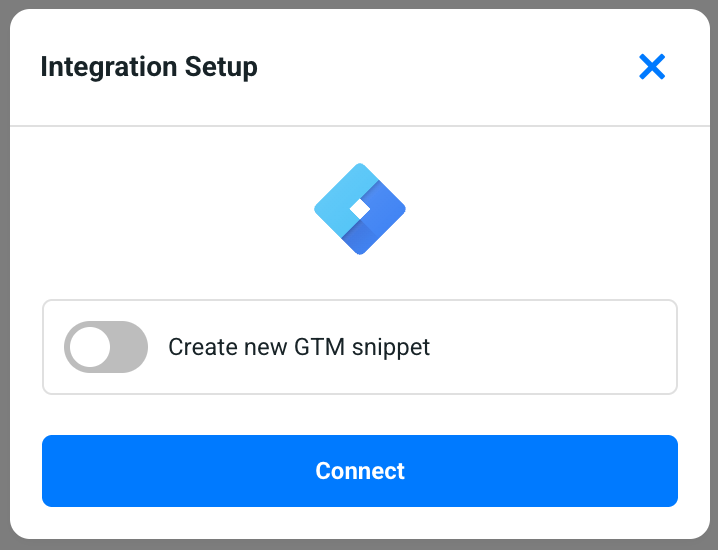
From within your https://portal.justuno.com account, navigate to account settings (top right) > apps and then search for the google tag manager app. Assuming you have Google's tag manager already on your website, you do not need to toggle on the create new GMT snippet and can just proceed to clicking the Connect button. That's all, your account is now connected and will begin pushing new events as datalayer into your GTM.
Justuno Events Passed to Google Tag Manager or the Google Analytics Apps
// This event is triggered whenever a Justuno design is shown to a visitor

  event: design_view,
  app_name: 'Justuno',
  workflow_name: '{workflow_name}',
  workflow_id: '{workflow_id}',
  design_name: '{design_name}',
  design_id: '{design_id}'


// This event is triggered when a user clicks through to a product page
// from a product suggestion

  event: 'select_item',
  app_name: 'Justuno',
  item_list_id: '{design_id}',
  item_list_name: '{design_name}',
  workflow_name: '{workflow_name}',
  workflow_id: '{workflow_id}',
  design_name: '{design_name}',
  design_id: '{design_id}',
  items: [
    {
      item_id: '{product_sku}',
      item_name: '{product_name}',
      affiliation: 'Justuno',
      index: {index_of_item_in_rec_list}
    }
  ]


// This event is triggered when a user adds an item to the cart via a
// product suggestion

  event: 'add_to_cart',
  currency: '{currency_type}',
  value: {lowest_price_shown},
  workflow_name: '{workflow_name}',
  workflow_id: '{workflow_id}',
  design_name: '{design_name}',
  design_id: '{design_id}',
  items: [
    {
      item_id: "{product_sku}",
      item_name: "{product_name}",
      affiliation: "Justuno",
      index: {index_of_item_in_rec_list}
      price: {lowest_price_shown},
      quantity: {qty_added}
    }
  ]


// This event is triggered when a discount is shown

  event: 'discount_shown',
  app_name: 'Justuno',
  workflow_name: '{workflow_name}',
  workflow_id: '{workflow_id}',
  design_name: '{design_name}',
  design_id: '{design_id}',
  discount_name: '{discount_name}',
  discount_id: '{discount_id}',
  discount_code: '{discount_code}',


// This event is triggered when a design switches frames

  event: 'switch_to_frame',
  app_name: 'Justuno',
  workflow_name: '{workflow_name}',
  workflow_id: '{workflow_id}',
  design_name: '{design_name}',
  design_id: '{design_id}',
  element_id: '{element_id}',  // this is the element that was clicked to advance frame
  frame_name: '{frame_name}',
  frame_id: '{frame_id}'


// This event is triggered once for each click action that is ran from a cta click.
// action types names will resemble the action types you can add to a
// cta within the design studio.

  event: 'click_action',
  app_name: 'Justuno',
  workflow_name: '{workflow_name}',
  workflow_id: '{workflow_id}',
  design_name: '{design_name}',
  design_id: '{design_id}',
  element_id: '{element_id}',
  action_type: '{action_name}'
  email: true, // this will be omitted if no email was submitted during this action
  sms: true // this will be omitted if no sms was submitted during this action
The following are the possible action_type values sent with the event: 'click_action' above.
frame
link-to-product
url
enroll-workflow
attributable-close-design
close-design
cookie-consent
age-verification
spin-wheel
drop-puck
update-segment
execute-javascript
clipboard
update-property