
How to Test Workflows
This article will cover how to test a workflow for your eyes only.
-
Once your workflow is ready to be tested, you will want to click on the Enrollment Trigger box (within the workflow builder).
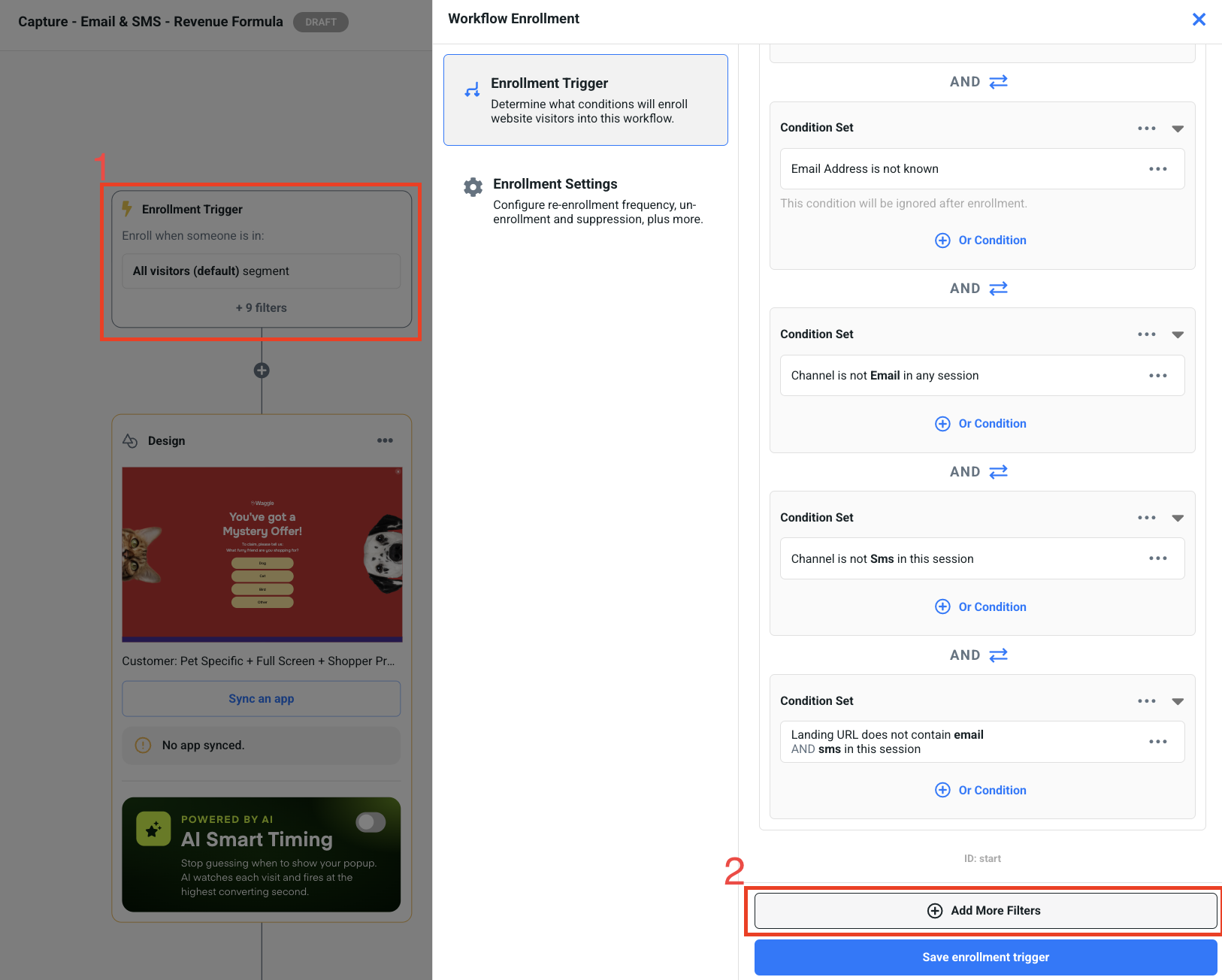
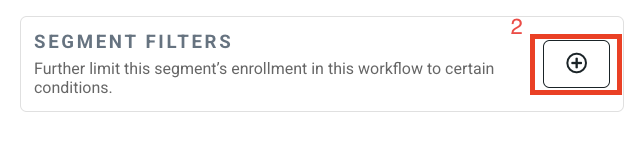
- Click on the Add More Filters button to open the next options. If no rules/filters are present, you will see the plus icon below. Click it.
-
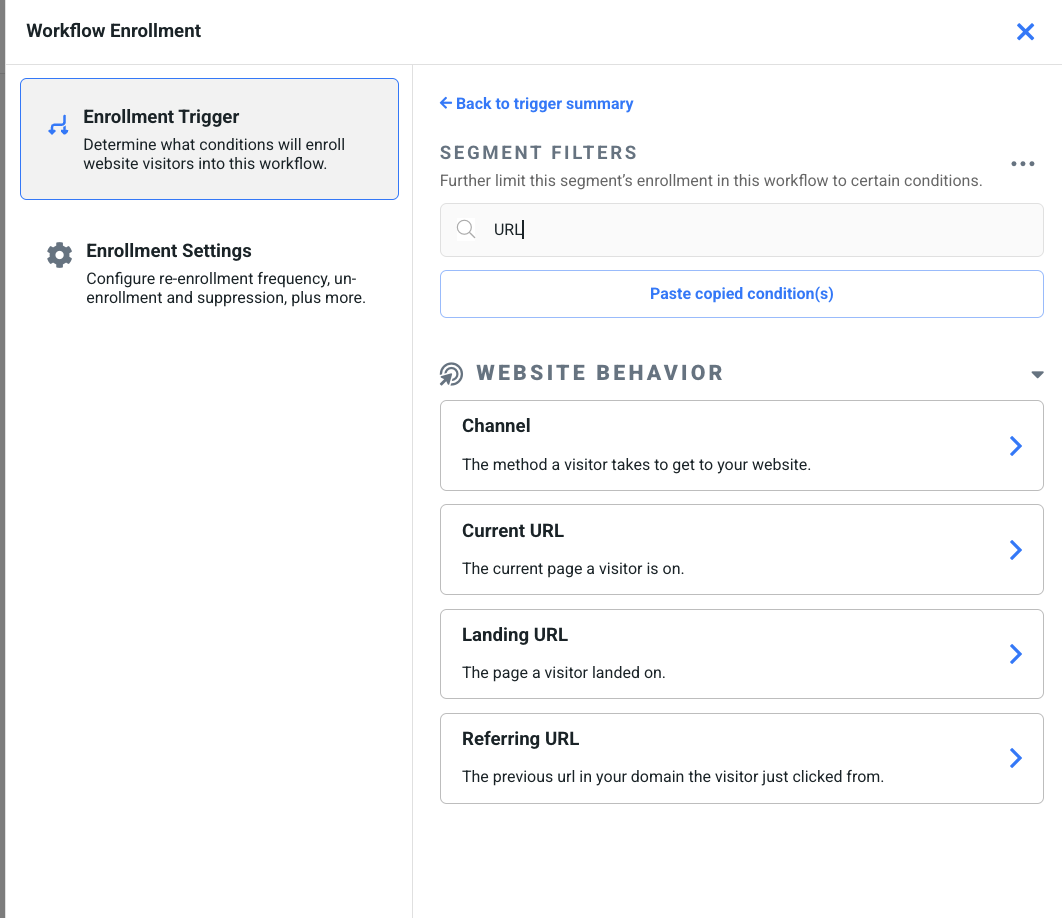
In the search field, search URL and click the Current URL option.
-
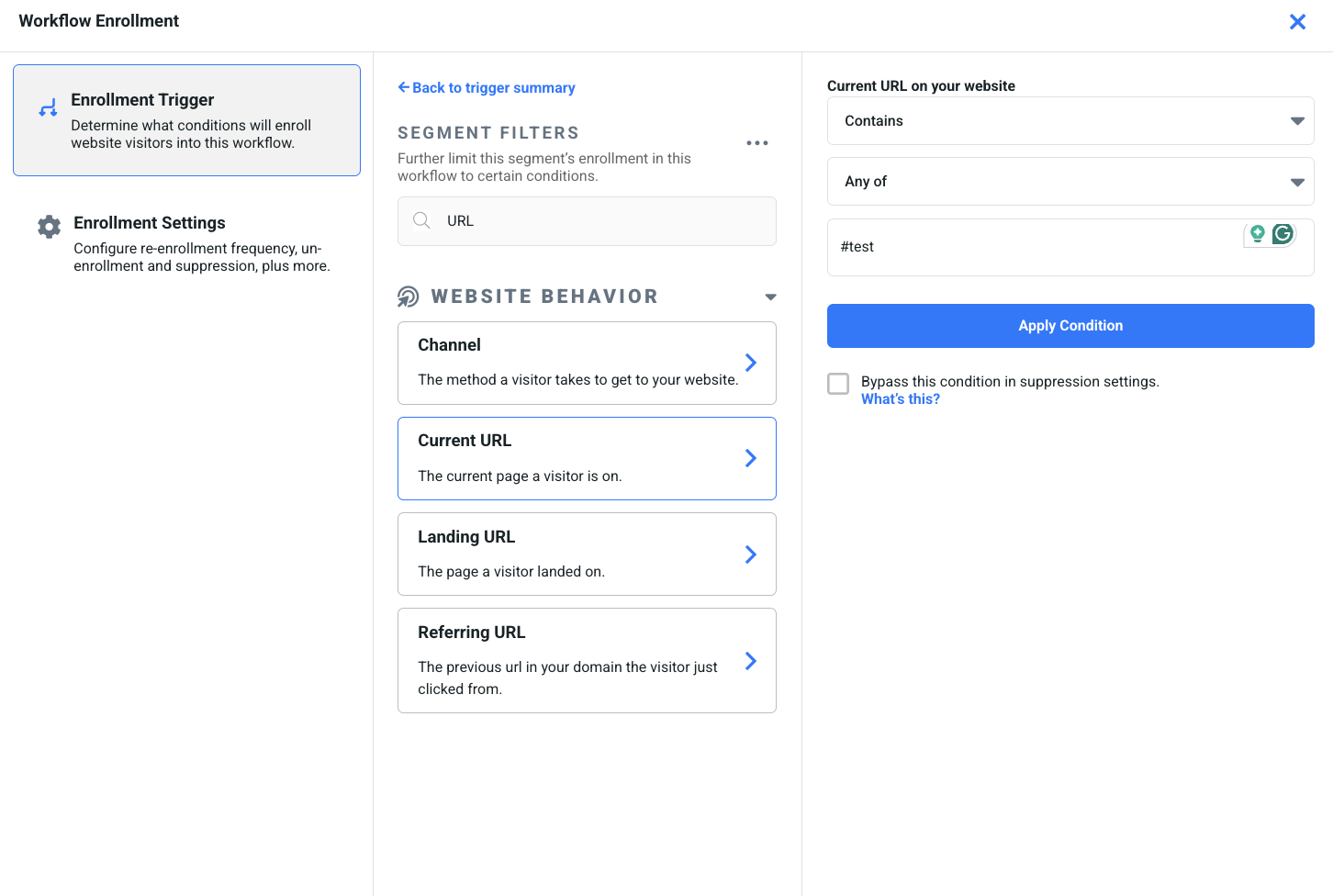
You can set things to Contains > Any of > #test
This makes sure that only URLs that contain #test will be allowed to see the design.
- Click the Save enrollment trigger button and then the Publish button on the top right of the page.
- Lastly, once live, add #test to your URL and reload the page. As long as you are following all of the enrollment trigger logic stated, it will now meet the URL condition to help show the design.
Note: It helps to use an incognito/private window if you've been on your site before the publishing.